
Help
Every screen, in plain words, with a picture of it. Start at the top if you’re new; search if you’re stuck on one thing.
Start here
What LoadTally is for, and the first week with it.
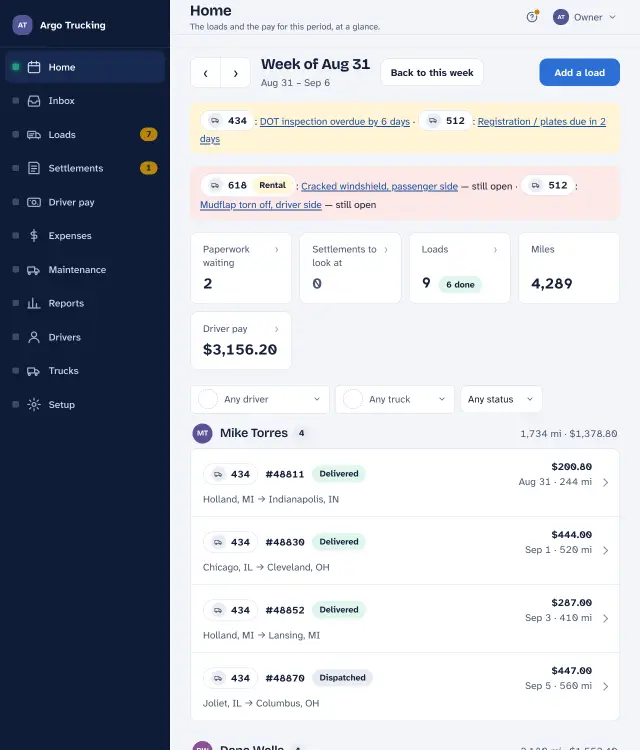 Your first week with LoadTally From signing up to the first payday: set up the company, add a load, record the settlement, pay the driver.
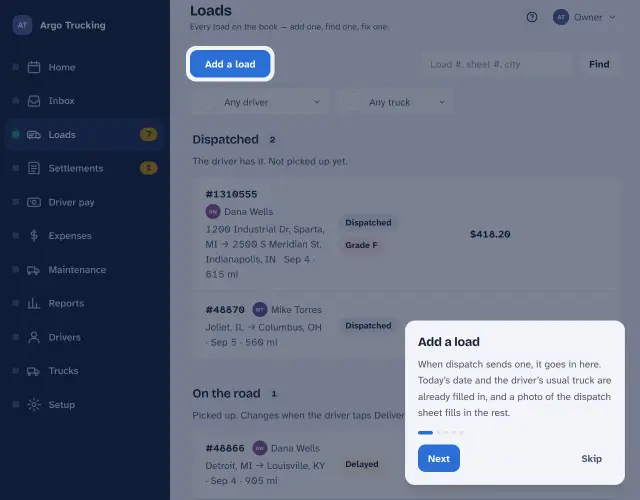 The week at a glance The screen the app opens on — the loads, the miles, the pay, and whatever needs a look — and the ? that explains every screen.
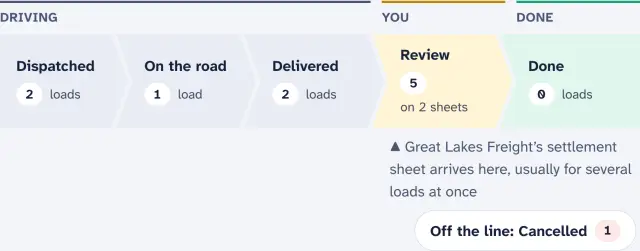 Just you and one truck When you are the only driver: what solo mode takes away, what stays, where a receipt goes, and the taxes and per diem it works out for you.
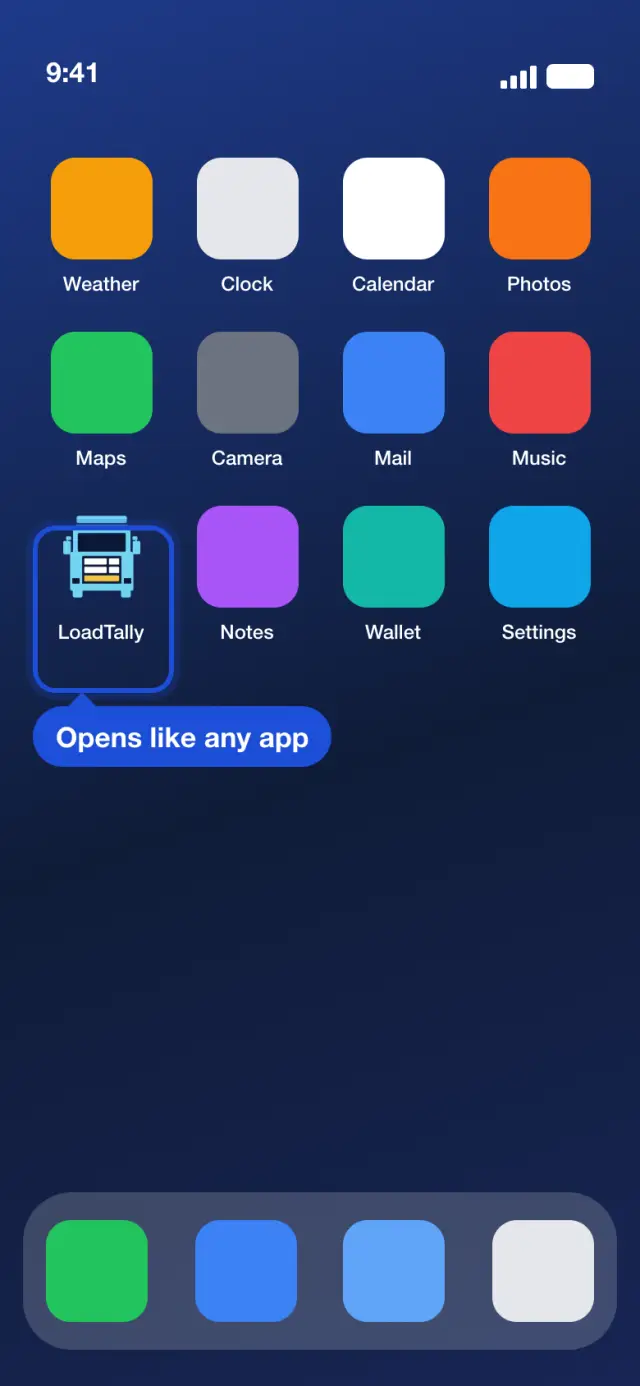 Put LoadTally on your phone’s Home Screen iPhone and Android, with pictures: one tap opens it full screen, you stay signed in, and notifications reach you.
Getting the paperwork in
Three ways: a photo, an email, or typing. The first two do the typing for you.
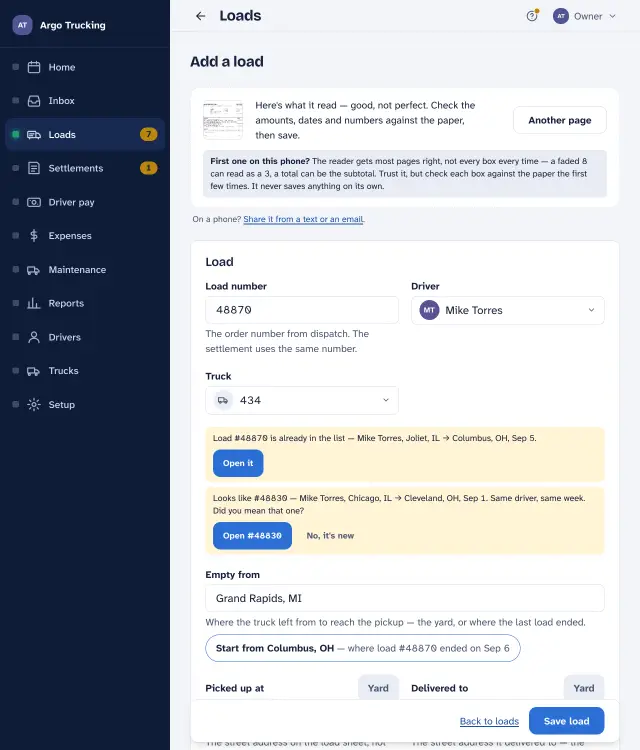 Snap a photo and it types itself What the reader reads, how to take a photo that reads well, and how to get a texted or emailed page into the app.
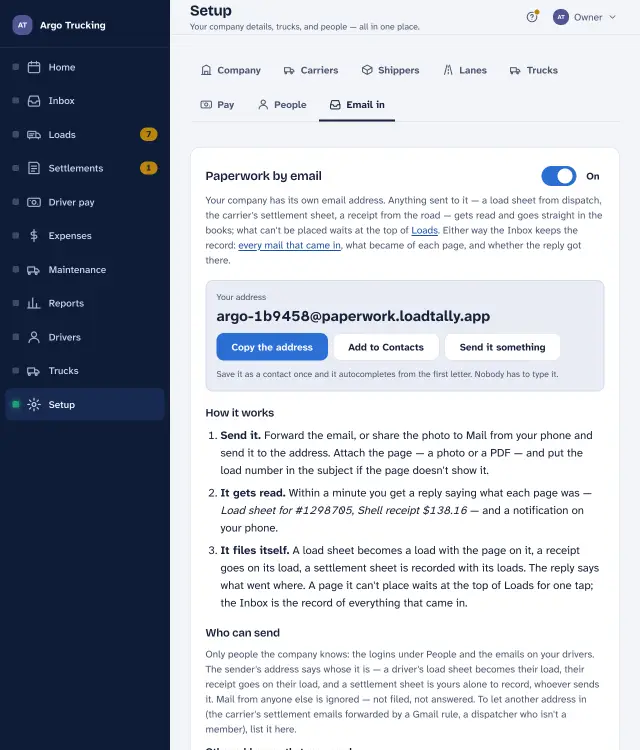 Email it in: your company’s paperwork address One private address per company. Forward a page to it and it is read, filed, and answered within a minute.
- Set up a rule to forward the carrier’s emails Gmail, Outlook, Yahoo and iCloud, step by step — so settlement sheets file themselves the day they arrive.
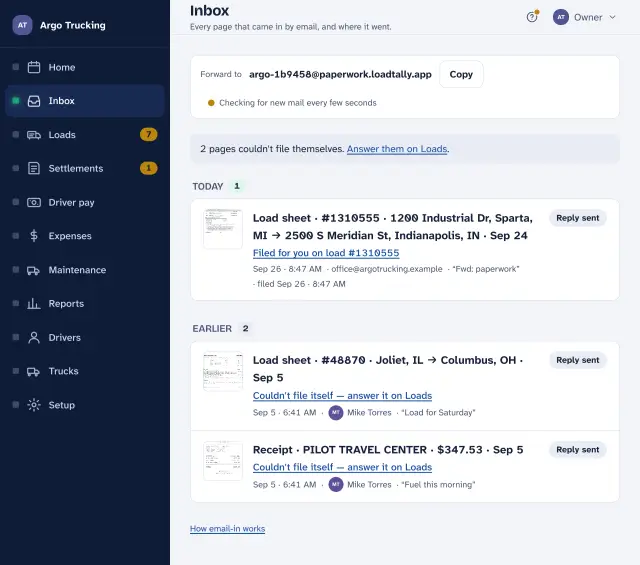 The Inbox The record of every mail that reached your paperwork address, what became of each page, and where the ones that couldn’t file themselves went.
Loads and settlements
Every load on the book, and the carrier’s sheets checked against them.
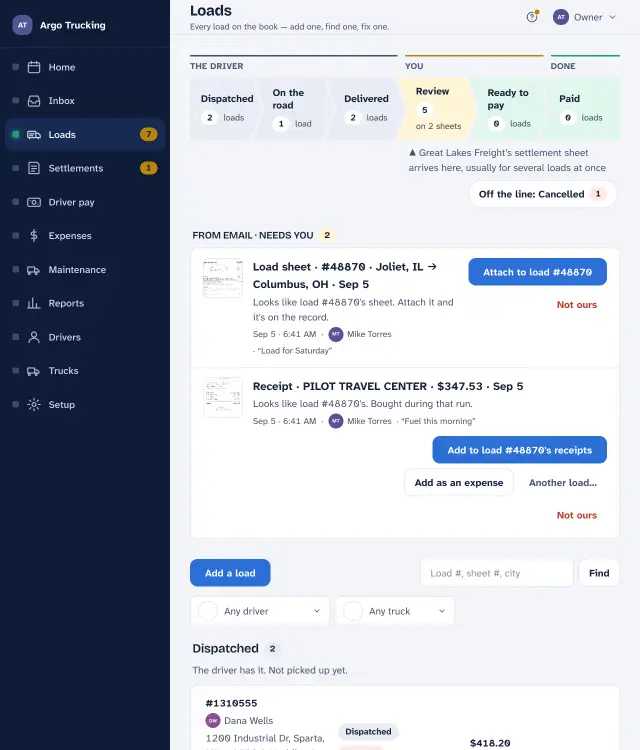 Loads Adding one, finding one, the load page itself: status, the settlement, the paperwork, empty miles, cancelling.
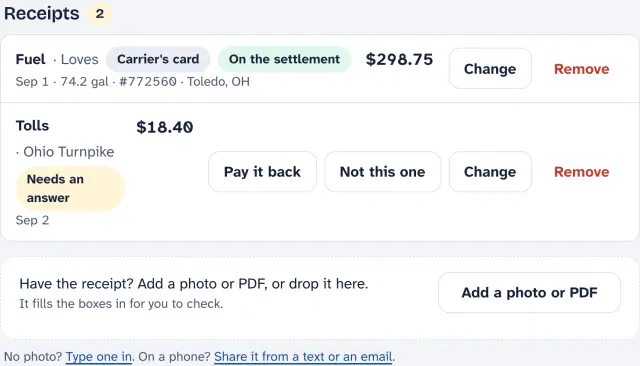 Receipts on the load Fuel slips, tolls, a wash: what the driver turns in, what gets paid back, and what is only the record.
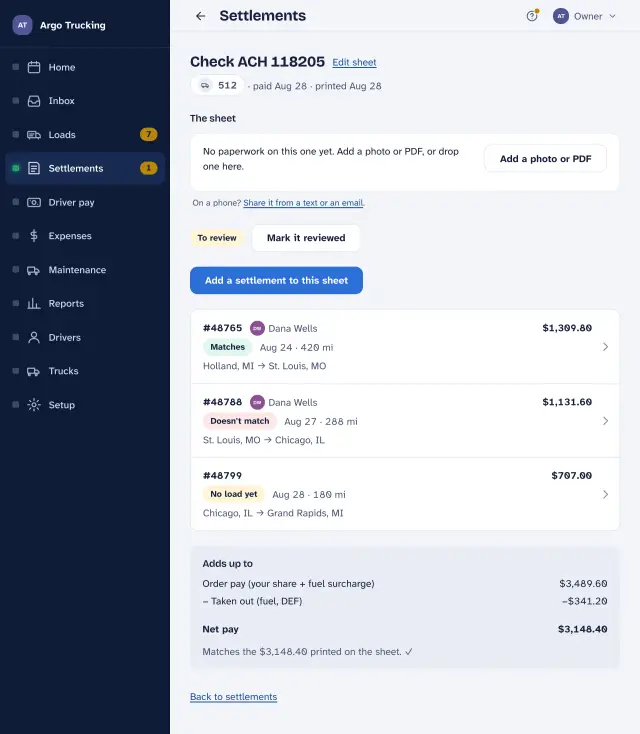 Recording a settlement sheet One check, several loads: snap the sheet, add each load, and see whether it adds up to what was paid.
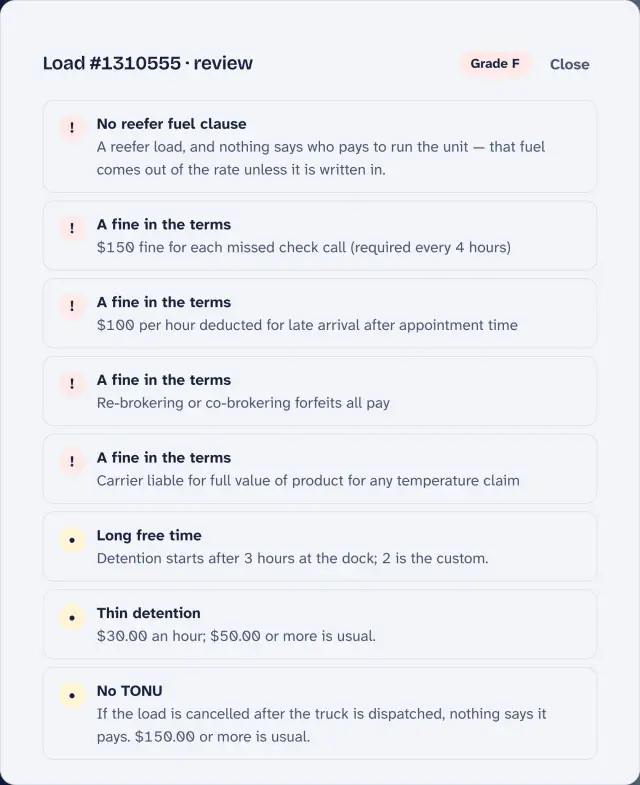 Rate con review: a grade on every load The terms read off a rate con or a settlement — detention, TONU, layover, reefer fuel, fines, pay days — set against that week’s diesel and a fair rate, and a letter grade with the reasons.
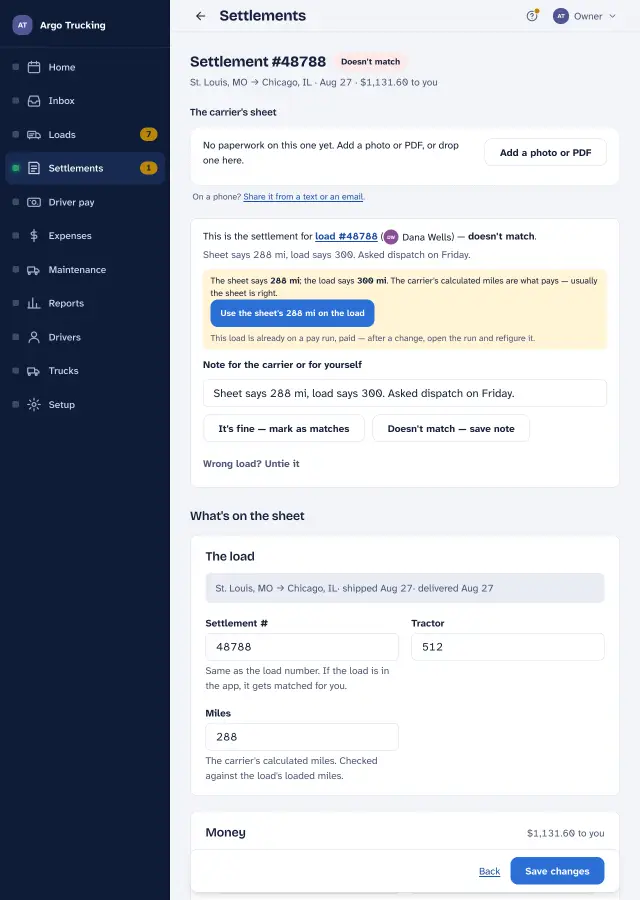 Matching settlements to loads From the dispatch text to payday: how a load becomes a settlement, and how to check nothing was missed.
Paying drivers
The Sunday job, and the rules behind every line.
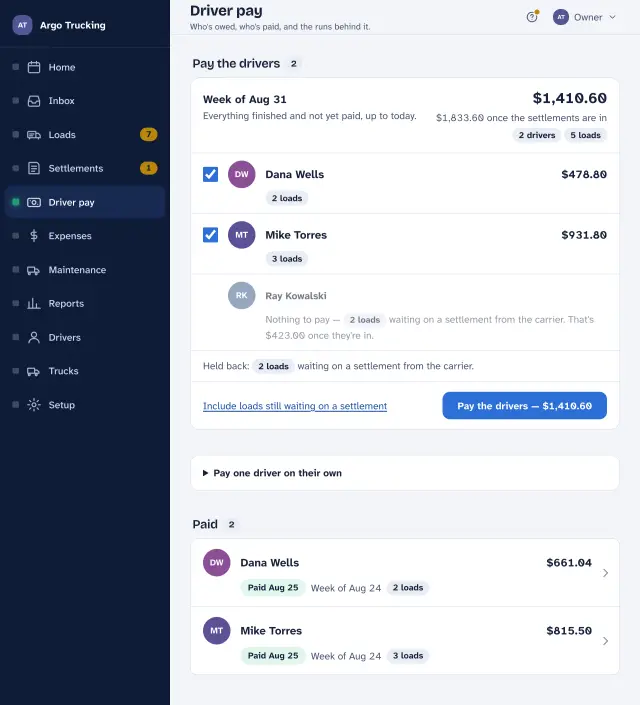 Payday Pay everyone at once, hold back what is still waiting, read the statement line by line, and mark it paid.
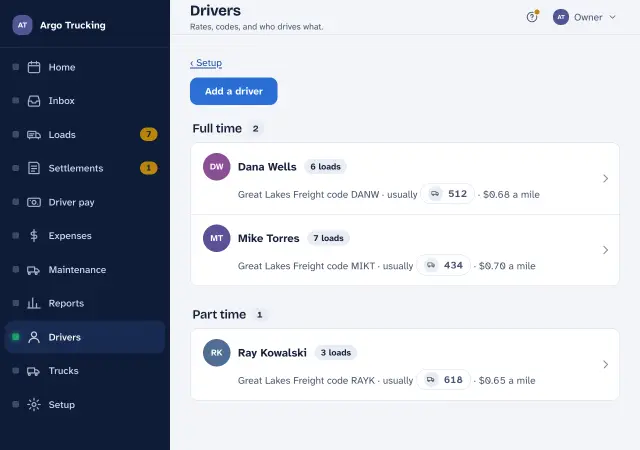 Drivers and their rates Carrier codes, the usual truck, three ways to pay, a raise with a date on it, and a login for their phone.
- How driver pay is figured Miles times rate, plus live loads, stop-offs and detention, minus advances — with a worked week.
- Stop codes: PU, LL, SO, SD, SP What each code on a load sheet means, and which ones add a line to the driver’s pay.
Trucks, expenses and upkeep
What the trucks cost, and when the next service is due.
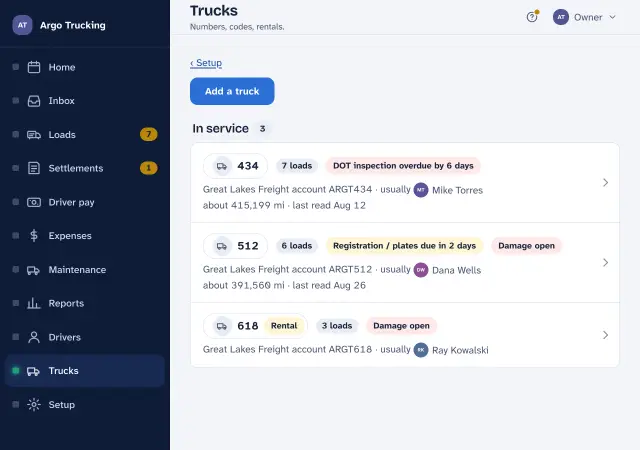
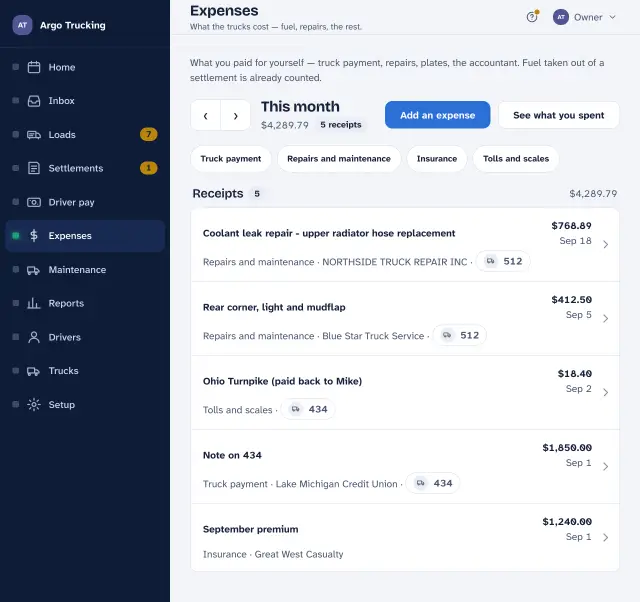
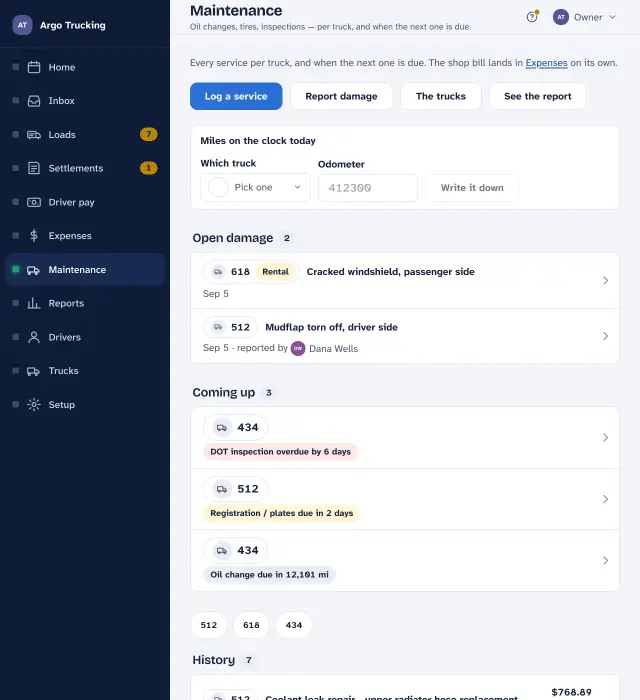
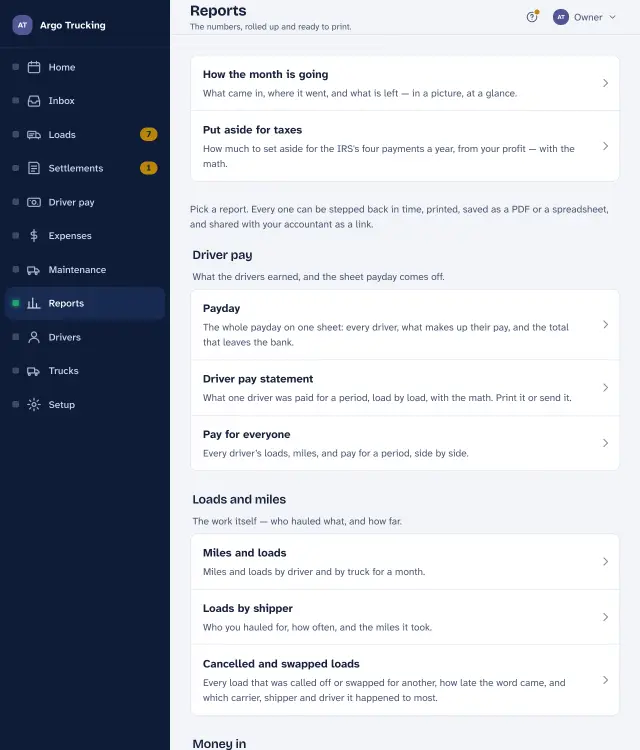
Reports and the accountant
The numbers rolled up, printed, or sent as a link.
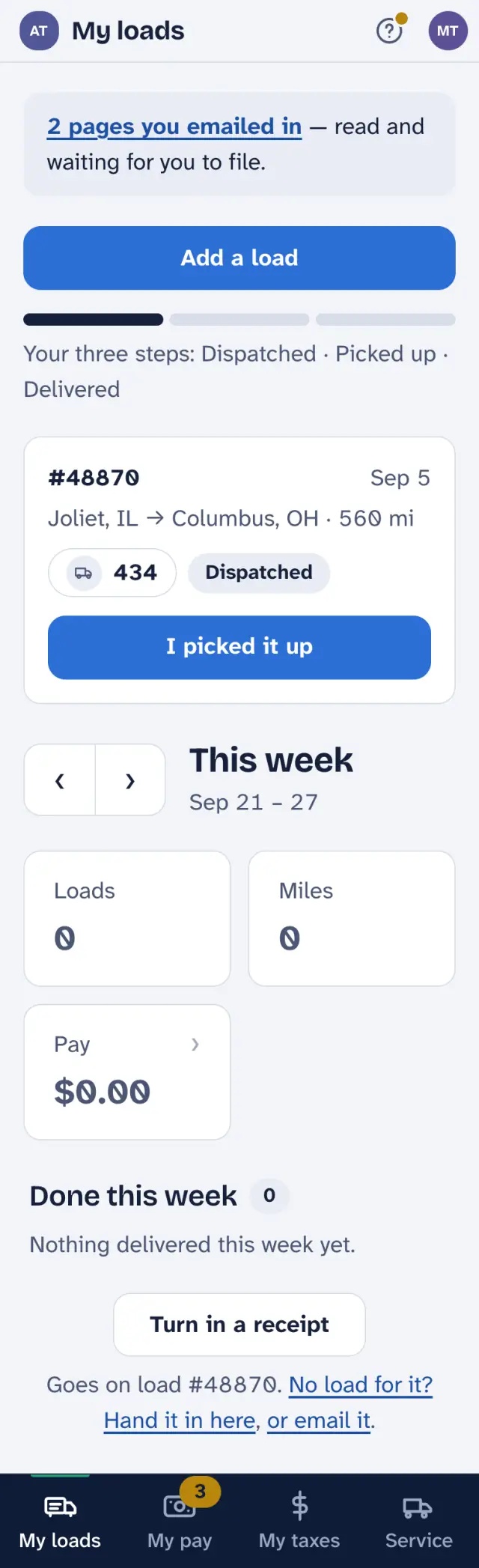
For drivers
A phone, in a truck.
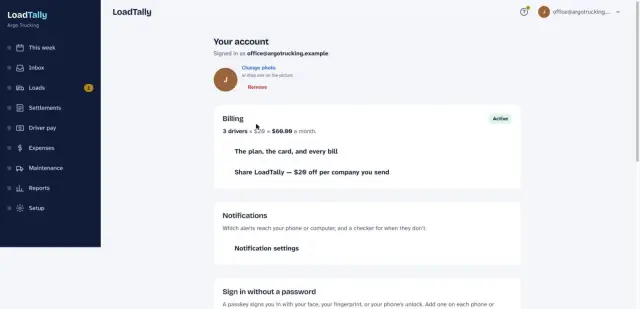
Your account
The login, the bill, and the phone.
Tips and answers
The small things that save the most time.
Not covered here? Email support@loadtally.app and say what you were trying to do. Screenshots help. A person answers.