
Just you and one truck
When you are the only driver: what solo mode takes away, what stays, where a receipt goes, and the taxes and per diem it works out for you.
Plenty of owner-operators run one truck and drive it themselves. Nobody waits on a Tuesday check from you, so the pay screens LoadTally is built around would only be in the way. When you are the only driver, the app notices and runs for one: solo mode.
How it turns on
On its own. When the company’s only driver is you — the welcome’s I drive too, with no one else added — solo mode is on. Setup › Company › What you use shows it, with a switch if you’d rather run the company like a fleet anyway.
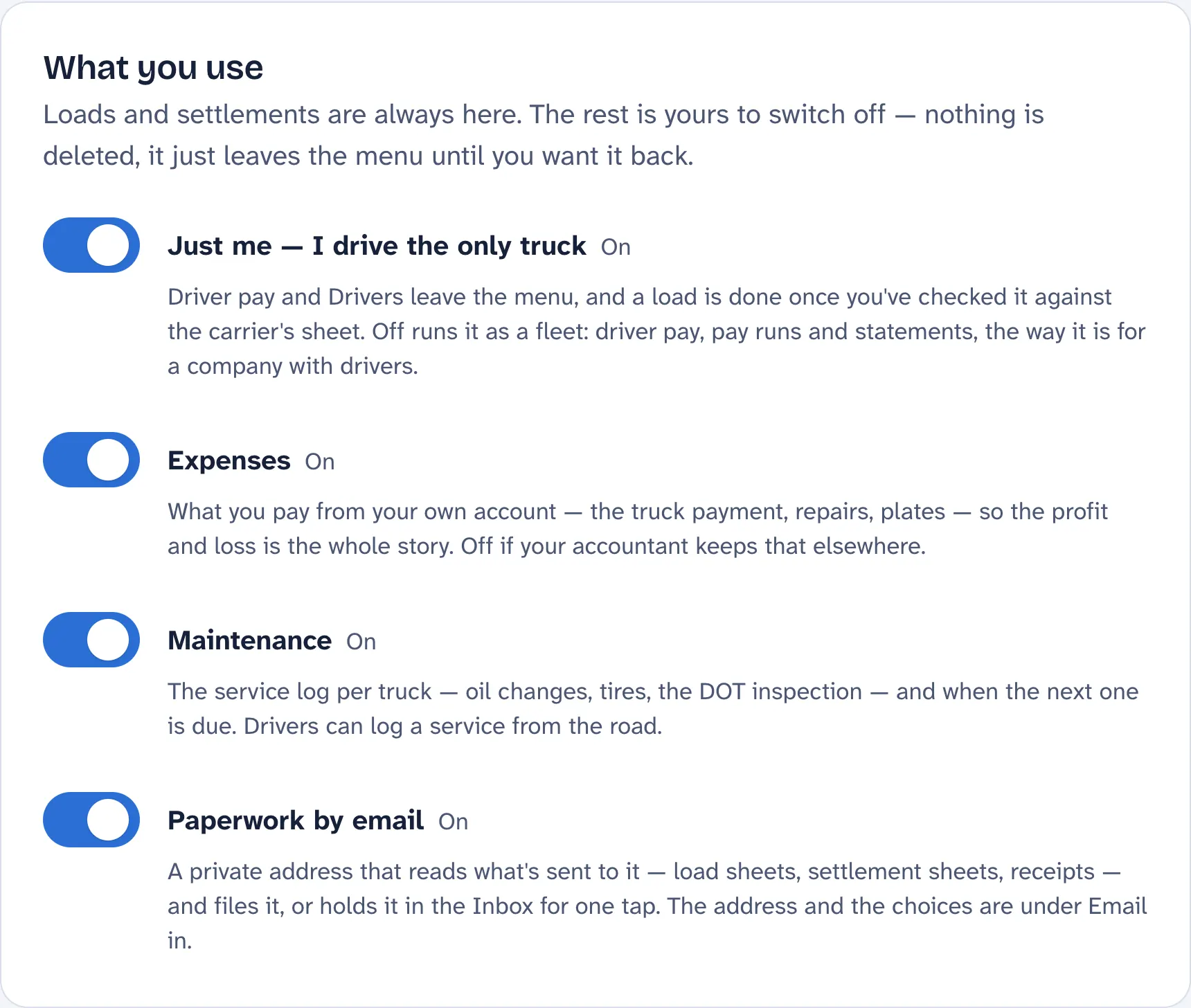
Hire a driver and it turns itself off the day you add them: Driver pay comes back to the menu, and the message says so. Nothing is deleted either way.
What goes away
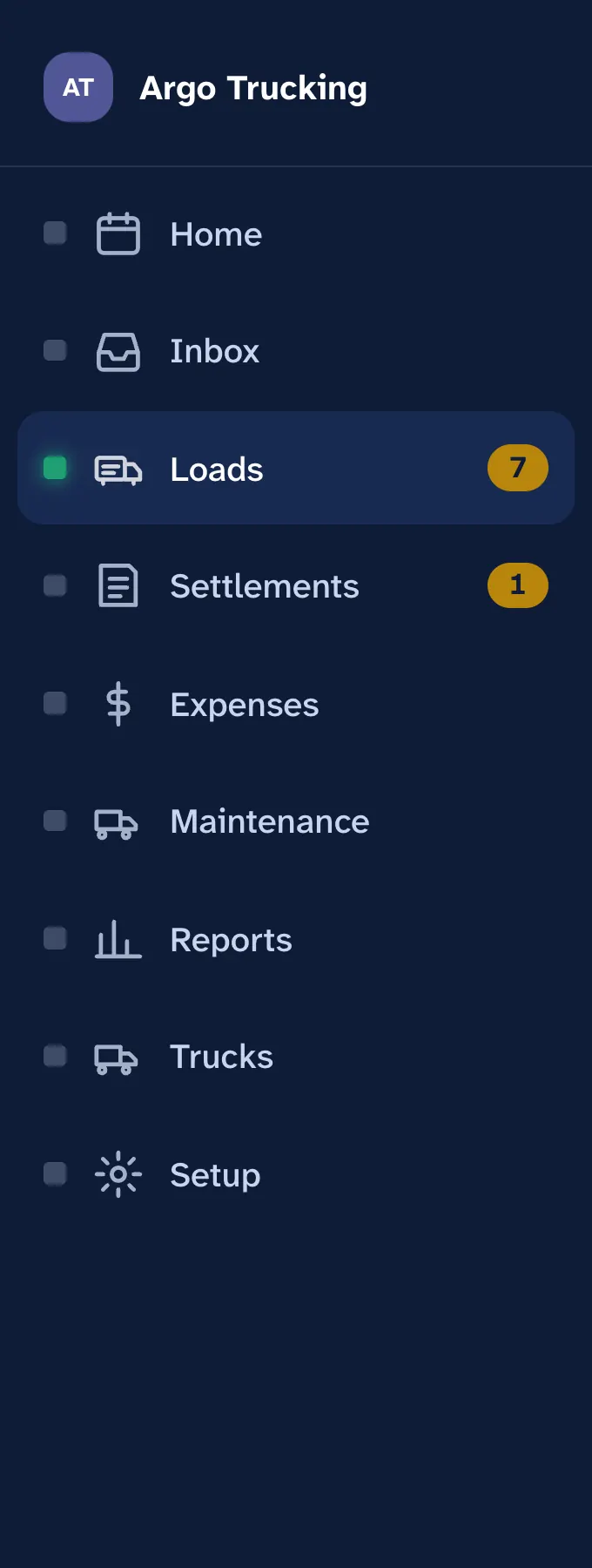
- Driver pay leaves the menu and the phone’s bottom bar. No pay runs, no Mark paid, no pay statement to yourself. What you made is the settlement; what you cleared is the profit and loss.
- Drivers leaves the menu too. Your own rate and details are still under Setup if you need them.
- The pay reports — Payday, the driver pay statement, the per-driver 1099 totals — are not offered. The profit and loss, fuel, what a mile costs and what to put aside for taxes all stay.
- The driver’s app. You never need to switch to a driver’s view of yourself; everything you do is in the one app.
Your loads, in five steps
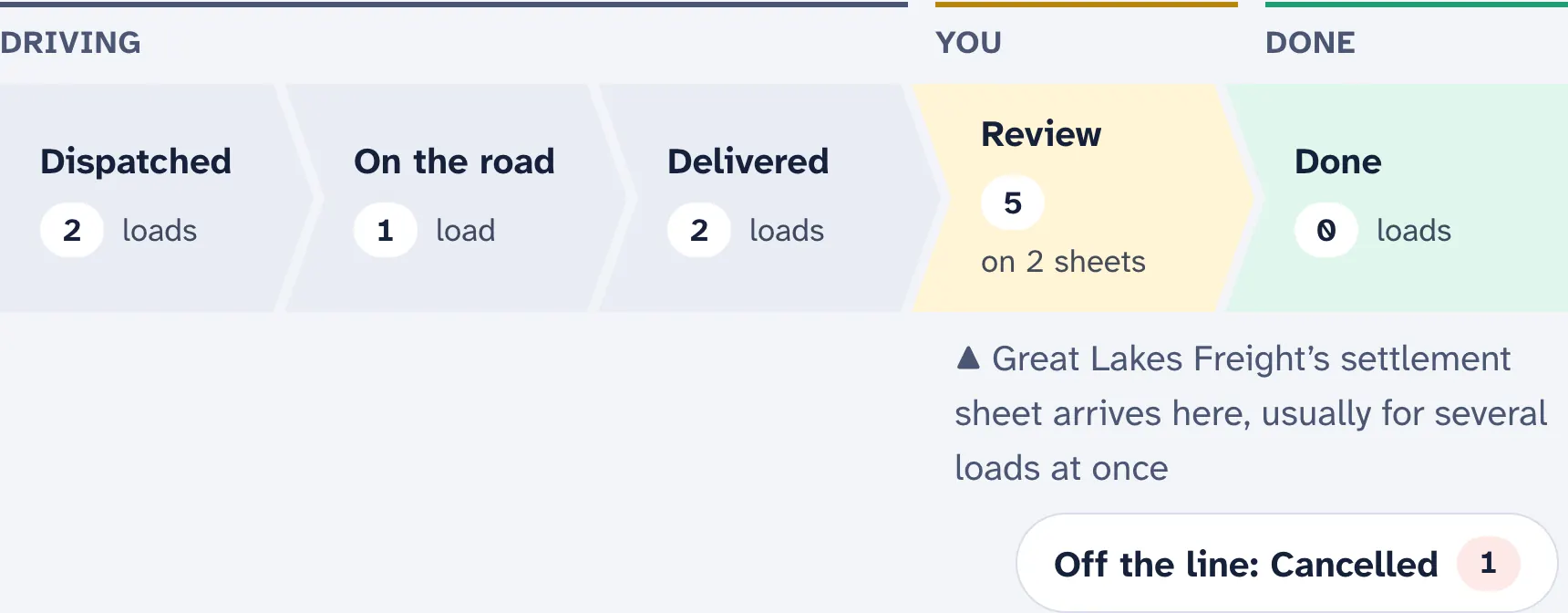
A load runs Dispatched → On the road → Delivered → Review → Done. The first three are yours on the road; the carrier’s settlement sheet moves a delivered load to Review, where you check what they paid; a reviewed load is Done — on the books, with nothing left to pay out.
Receipts have one home
A toll, a scale ticket, a wash, a motel: snap it on the load it belongs to, or it goes straight to Expenses. There is no approving your own slip. Emailed in, a receipt that names a load goes on it; one with no load goes to Expenses. A fuel, DEF or reefer-fuel slip is the exception: it waits for its load, because fuel on the carrier’s card comes off the settlement and filed as an expense it would count twice. A page of several receipts, or one that looks like a bill already in Expenses, waits too, for you to place.
What it does for you
- Checks the settlement. Each load on the carrier’s sheet against the one you ran, and Looks short in dollars for a share below your terms or fuel taken off twice. See Recording a settlement sheet.
- Matches the fuel the carrier took off to the slips you bought it on.
- Grades every load from the rate con or the settlement. See Rate con review.
- Puts the taxes aside. Self-employment tax and your bracket on the year’s profit, after the per diem for your nights away, counted off your loads. Three weeks before each due date, the home page says how much. See Taxes.
Your own pay is not an expense. What you take out of the business is the profit, not a cost of it — which is why solo mode keeps no payroll. The tax set-aside works from the profit for the same reason.